usePresenceList
Animate items as they are added to and removed from a list. Removed items stay
in the returned entries until their leave animation has finished, so you can
render them like any other array.
For a single element that is shown or hidden by a boolean, e.g. a dialog, use
usePresence.
Usage
The first argument is your data, an array or a single item. The second is a
config object describing the from, enter, update and leave states of
each item.
With a config object
import { usePresenceList, animated } from '@react-spring/web'

function MyComponent({ data = [1, 2, 3] }) {
  const entries = usePresenceList(data, {
    from: { opacity: 0 },
    enter: { opacity: 1 },
    leave: { opacity: 0 },
  })

  return entries.map(({ key, item, springs }) => (
    <animated.div key={key} style={springs}>
      {item}
    </animated.div>
  ))
}
With a function & deps
Passing a function or a deps array returns a tuple with a
SpringRef, which you can use to control every
entry at once.
import { usePresenceList, animated } from '@react-spring/web'

function MyComponent({ data = [1, 2, 3] }) {
  const [entries, api] = usePresenceList(
    data,
    () => ({
      from: { opacity: 0 },
      enter: { opacity: 1 },
      leave: { opacity: 0 },
    }),
    []
  )

  const fadeAll = () => api.start({ opacity: 0.5 })

  return entries.map(({ key, item, springs }) => (
    <animated.div key={key} style={springs} onClick={fadeAll}>
      {item}
    </animated.div>
  ))
}
deps only hold back update. Items still enter and leave when data
changes, even if deps have not.
Entries
Each entry has:
key, pass it to the element you render so React keeps it mounted while it animates.item, the datum from your data, or the last one seen for a leaving entry.springs, the animated values to pass to ananimatedelement.phase, one of'enter','update'or'leave'.
Keys
By default each item is its own key, which works for strings and numbers. For
objects, pass keys a function returning a unique string or number, or an
array of keys in the same order as your data.
Pass keys: null to give every change a new key. This is useful when your
data is a single value, such as an index, and a value coming back should enter
as a new entry instead of reversing the one that is leaving.
const entries = usePresenceList(index, {
  keys: null,
  from: { opacity: 0 },
  enter: { opacity: 1 },
  leave: { opacity: 0 },
})
Waiting for leaving items
With mode: 'wait', new items are only added once every leaving item has
finished its leave animation. Use it to crossfade one item out before the
next one comes in.
const entries = usePresenceList(index, {
  mode: 'wait',
  from: { opacity: 0 },
  enter: { opacity: 1 },
  leave: { opacity: 0 },
})
Config & delay
The top-level config and delay are passed to every spring, so a function
is called with the spring's key, as with useSpring.
trail adds its offset on top of delay.
const entries = usePresenceList(items, {
  from: { opacity: 0, x: -20 },
  enter: { opacity: 1, x: 0 },
  config: key => (key === 'x' ? { tension: 300 } : { duration: 200 }),
})
For a config or delay specific to an item or phase, set it inside enter,
update or leave, or inside a next call of an async animation:
const entries = usePresenceList(items, {
  from: { opacity: 0, life: '100%' },
  enter: item => async next => {
    await next({ opacity: 1, delay: item.delay })
    await next({ life: '0%', config: { duration: 3000 } })
  },
  leave: { opacity: 0 },
})
Keeping leaving items
By default an entry is removed once its leave animation has finished. With
expires: false, leaving entries are kept in the returned entries instead.
Resetting
While reset is true, every render drops all entries, including leaving
ones, without a leave animation. The current items then enter again from
initial, or from from when initial is not set.
Reference
Item is inferred from the data you pass as the first argument. If you passed
[1, 2, 3] then Item would be number.
| Prop | Type | Default |
|---|---|---|
from | object | function | – |
initial | object | function | null | – |
enter | object | object[] | function | – |
update | object | object[] | function | – |
leave | object | object[] | function | – |
keys | Array<string | number> | function | null | – |
sort | function | – |
trail | number | 0 |
reverse | boolean | false |
mode | 'sync' | 'wait' | 'sync' |
ref | SpringRef | – |
reset | boolean | false |
expires | boolean | true |
delay | number | function | – |
config | object | function | object |
events | function | – |
Typescript
function usePresenceList<Item>(
  data: Item | Item[],
  configuration: ConfigObject
): PresenceEntry<Item>[]

function usePresenceList<Item>(
  data: Item | Item[],
  configurationFn: () => ConfigObject,
  deps?: any[]
): [entries: PresenceEntry<Item>[], api: SpringRef]

function usePresenceList<Item>(
  data: Item | Item[],
  configuration: ConfigObject,
  deps: any[]
): [entries: PresenceEntry<Item>[], api: SpringRef]

interface PresenceEntry<Item, State> {
  key: string | number
  item: Item
  springs: SpringValues<State>
  phase: 'enter' | 'update' | 'leave'
}
Where ConfigObject is described above
TS Glossary
Examples

Basic TransitionBasic viewport sized transition of cards animating with the imperative API - imperative
- usePresenceList
- SpringRef

Chaining Transition and a SpringOrchestrating a usePresenceList and useSpring hook with the useChain hook. - usePresenceList
- useSpring
- useChain
- SpringRef

Exit Before EnterShowcasing mode: 'wait' and animated clip-paths to give a wipe effect - usePresenceList
- useSpring
- wait
- paths
- SpringRef
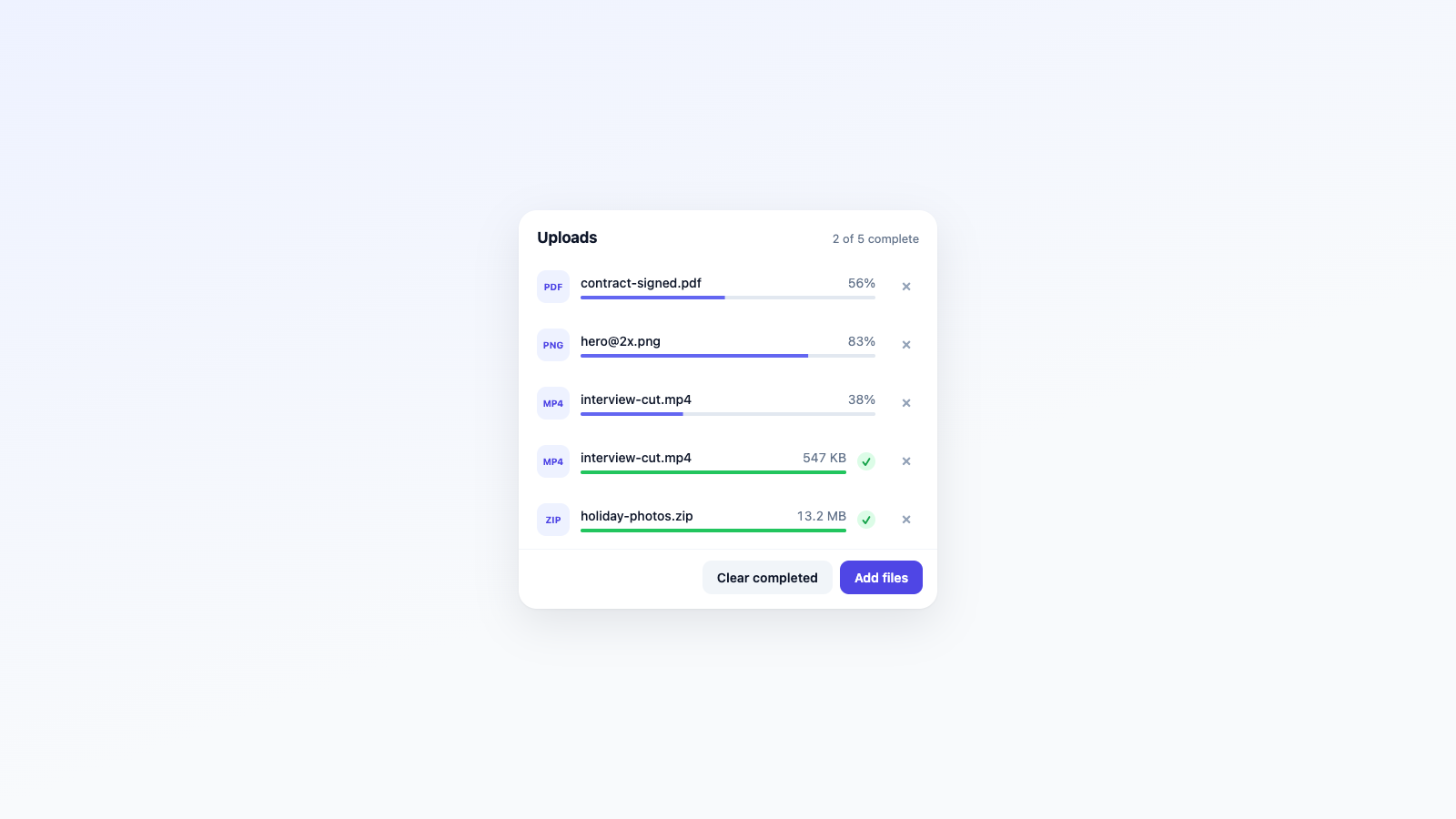
Presence Upload QueueAn upload queue whose rows enter, leave and clear together with usePresenceList, plus an empty state that fades with usePresence. - usePresence
- usePresenceList
- trail
- list

Image FadeSimple image fading illustrating mode: 'wait' on usePresenceList - image
- wait
- usePresenceList
- onRest
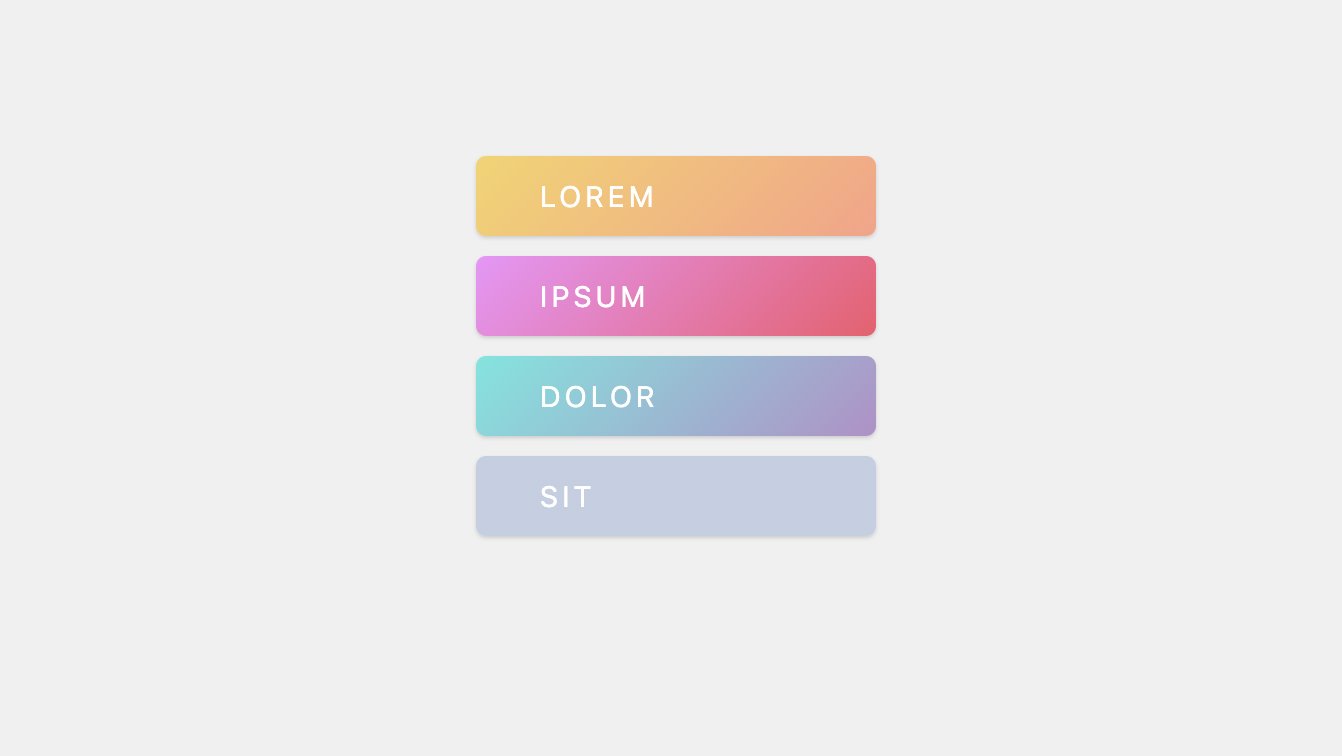
List ReorderingAutomatic list reordering with animation - usePresenceList
- list

Masonry GridA pintrest-esque homepage with animations - usePresenceList
- masonry
- pintrest

Multistage TransitionsAsync animation scripts for entering and leaving using usePresenceList - async
- scripts
- usePresenceList
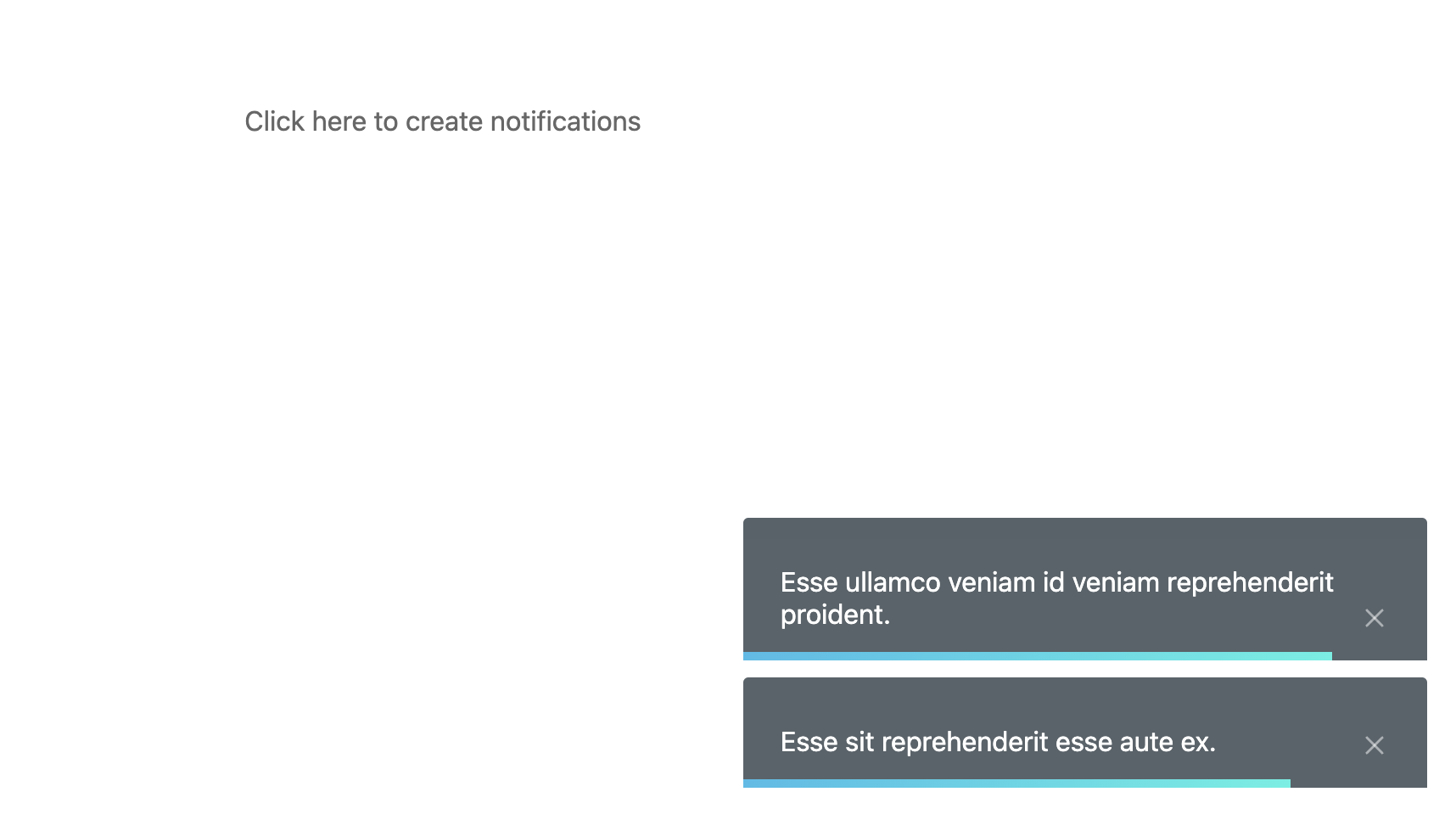
Notification HubCreating toast notifications with usePresenceList - notifications
- toast
- usePresenceList
Can't find what you're looking for? Check out all our examples!